How one content source drove every screen
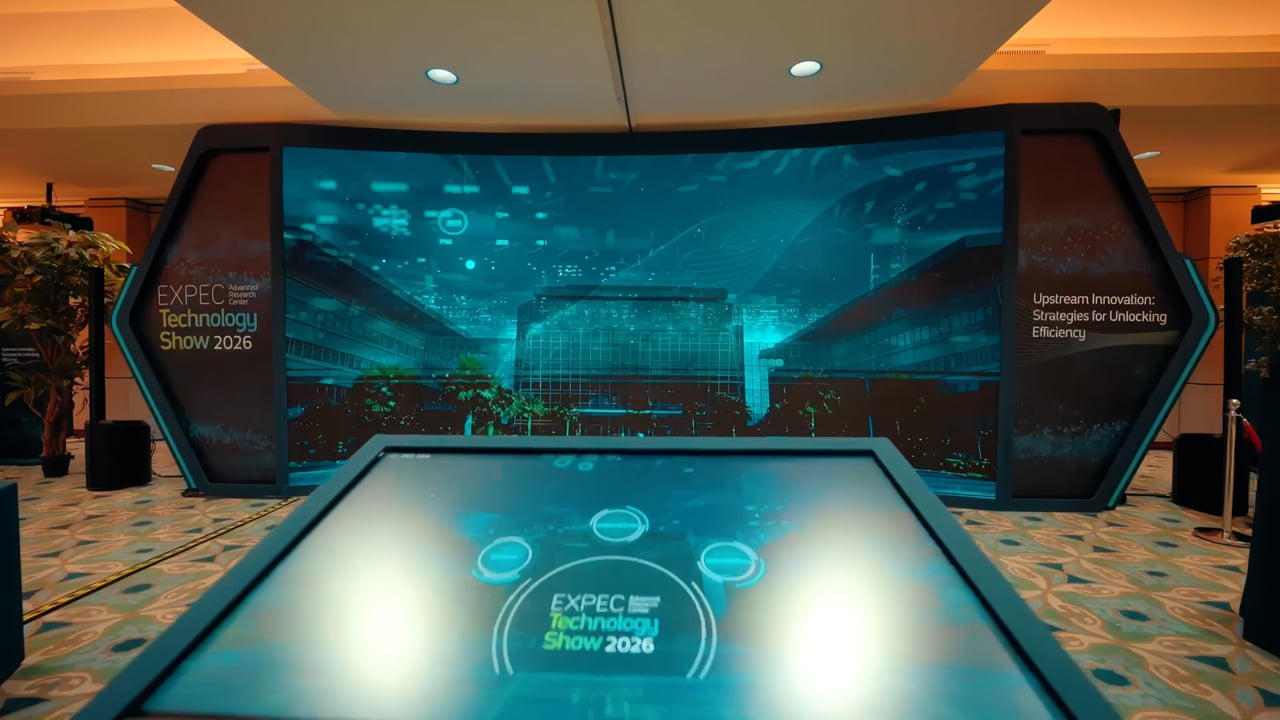
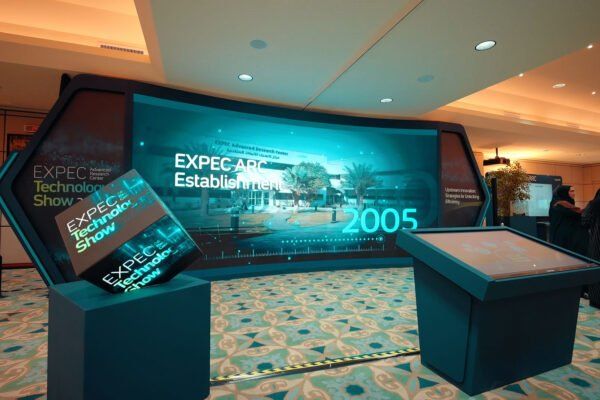
A stand with six independent displays has a familiar morning. Someone spots a typo, a colleague walks round with a USB stick, and by ten o'clock half the screens show the fix and one video has stopped. The HUB at the EXPEC ARC Technology Show was designed so that morning could not happen.
One service, many renderers
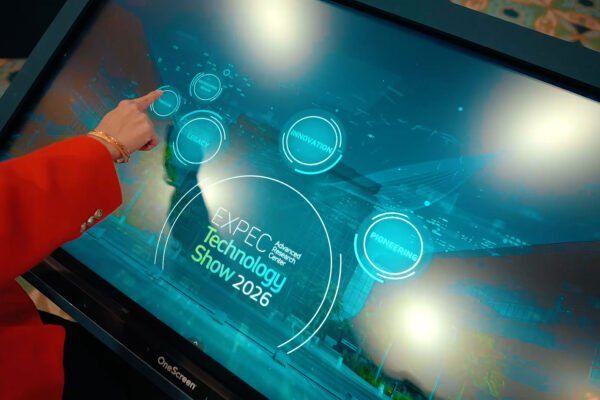
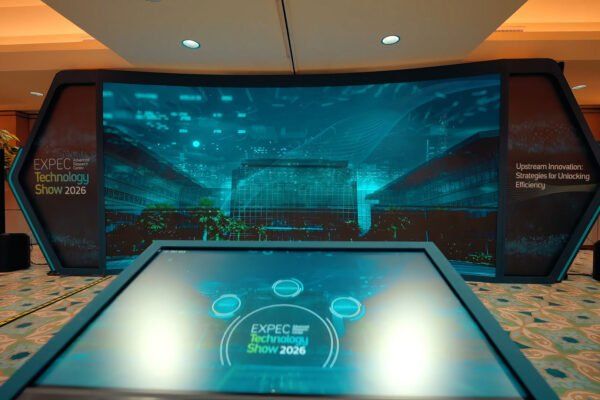
A content service on a local server held the only copy of the content, the current state and the data feeds. Every display ran a light renderer that followed that state over the stand's network. When a visitor chose a topic on the touch screen, the state changed and every surrounding display responded. No screen owned content. They all read it.
Keeping video in step
Two screens told to play the same file drift apart within a minute. The service kept the clock, and every renderer followed the service's timestamp rather than its own, so films running across panels stayed aligned frame by frame.
No blank screens when a feed drops
Live figures came from data feeds, and feeds pause. Instead of going blank, each display kept showing the last good value with its time, until the feed returned. Visitors saw a number. Staff could see how fresh it was.
Edits from a tablet, live everywhere
The admin panel was simply another client of the same service, with permission to write. A headline changed on a tablet at the back of the stand reached every screen before the tablet was put down. Our installation partners, Flash Diamond and Tactic Establishment, worked to the same service, which kept the hardware and software teams on one source of truth.
Questions clients ask
Can different screens show different content? Yes. Sync means the screens share one state, not one picture. One selection can open a summary on one wall and a diagram on another.
What if one display fails? The others carry on. A replacement joins the service and catches up in seconds.
Read the full technical story: multiscreen sync from one content panel, or see our touchscreen and kiosk apps.