Skip to content
FAIM is the technology partner of Mu Designs. Enquiries here are handled by Mu Designs.
Back to Mu Designs

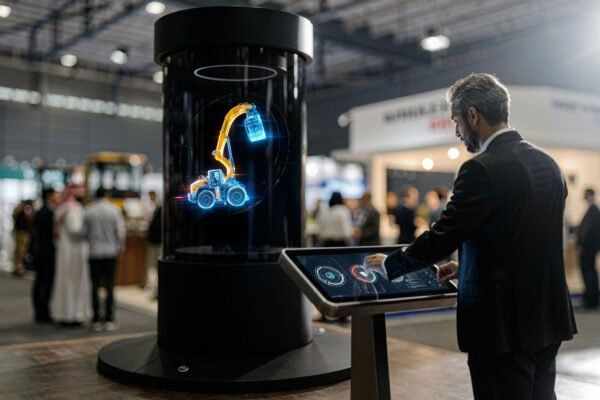
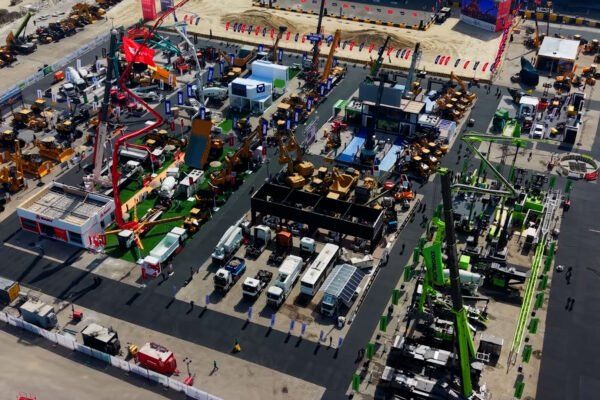
Interactive Hologram at HEC Dhahran Expo

Interactive Holographic Solutions - Dhahran Expo

The Problem

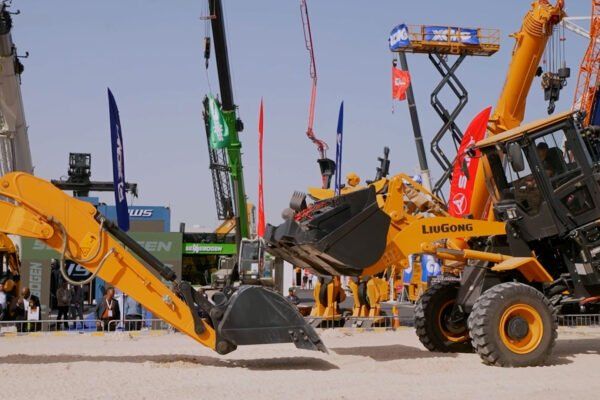
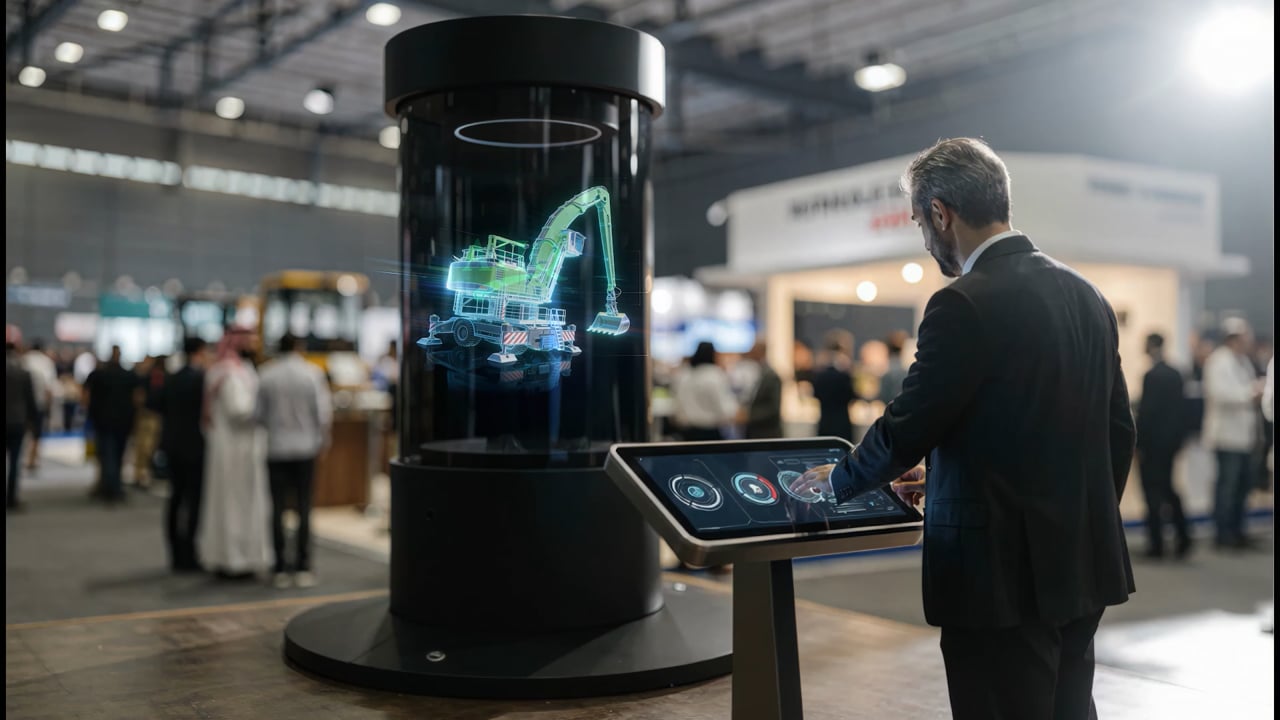
PWS needed to demo 30‑tonne excavators and crawler cranes without shipping kits to the site. Flat screens wouldn’t suffice; engineers expect to inspect moving hydraulics from all angles. Brief: build a life‑scale, glass‑free hologram that felt tactile, ran reliably under expo conditions, and surfaced spec data on gesture.

Our Build

Deployed a 2.1 m tall cylindrical holographic display, 360° viewable, no headset required. Unity URP pipeline drove real‑time rendering inside the cylinder’s light field:

Asset pipeline: SolidWorks CAD → <120 MB LOD‑optimised meshes via PiXYZ Plugin, retaining weld seams and hydraulic routing fidelity
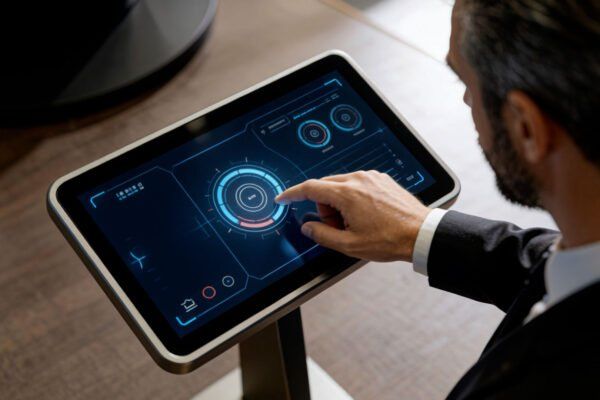
Interaction layer: Ultraleap hand tracking fused to cylinder geometry (sub‑20 ms latency). Pinch‑rotate the boom, air‑tap to explode assemblies, palm‑hover for live telemetry (fuel burn, swing torque)
Edge compute: Four NVIDIA Jetson AGX Orins handled local rendering, zero cloud dependency, critical for Dhahran’s variable connectivity
UX validation: Three rounds of gesture A/B tests with PWS field engineers. Replaced swipe‑zoom with two‑handed scaling; dwell time increased 68%

On Site

Sensor fusion calibrated in 90 minutes despite 450‑lux ambient light. System logged 4,187 interactions across 72 hours:

Average session: 4 m 42 s (vs. 52 s industry baseline)
83% completed full component drill‑down (hydraulics → cylinder specs → service intervals)
Zero thermal throttling, GPU temps held at 68°C avg. under continuous load

Outcome

217 qualified leads captured (34% uplift YoY). Post‑event feedback: “Felt like walking around the real machine, could inspect boom bushing wear without a ladder.” (Senior Plant Manager, NEOM contractor)

Takeaway

Treat holography as a spatial data interface, not spectacle. We engineered for workflow first, then for latency, spec fidelity, and multi‑user interaction within the cylinder’s volume; presence followed. Unity’s lightweight runtime beat Unreal for edge deployment. Next iteration: integrate HoloLens 2 passthrough for on‑site service training.

Expertises

Exhibition Technology · Hologram

Services

3D Interactive Screen · Concept Design · Content Production · Hologram · Touch Screen Application · UI/UX Design

From CAD file to the expo floor

The request was for a hologram. What the client actually needed was for engineers at a procurement expo to inspect machines they could not stand next to, and for the stand to know who those engineers were afterwards. The second need shaped the build as much as the first. A hologram that only spins is a screensaver. One that lets an engineer open an assembly, read live data and leave a contact is a sales tool.

Making the model light enough to move

Engineering CAD is built for manufacturing, with every bolt thread and hidden face. Pushed straight into a real-time engine it crawls along at a few frames a second. We rebuilt it as a real-time mesh: internal geometry removed, surfaces simplified where the eye cannot tell, and detail kept on the boom, slew ring and hydraulic cylinders that engineers zoom into. The model was ready when it looked like the machine from two metres away and still turned smoothly under a fast hand.

Rendering inside the column

Everything rendered locally in Unity on NVIDIA Jetson hardware in the base. Exhibition Wi-Fi is shared with thousands of phones, and a display that streams its frames from a server will freeze at the busiest hour. Local rendering made the column a sealed unit: power in, light out.

Three gestures and no manual

Visitors get no tutorial on a stand, so we mapped three gestures people try naturally: pinch and drag to rotate, air tap to explode the assembly, and an open palm held still for live telemetry. The sensor was tuned for real hands, including gloves, long sleeves and thobe cuffs. Lead capture at the end of a session ran on a touchscreen, because nobody should type an email address in mid-air.

Every lead carried context

The capture screen recorded consent first, then the minimum contact fields, then tags showing what the visitor had explored. That is how 217 qualified leads came out of 4,187 interactions: the people who went all the way through the drill-down and then left their details were a different list from those who glanced.

Go deeper: how a cylindrical hologram works, hand tracking on a stand and lead capture architecture. See our holographic displays.

Mu Designs × FAIM

Talk to Mu Designs about this

Mu Designs works with FAIM on events, exhibitions and launches across Bahrain and Saudi Arabia. Tell us your date and venue, and we will bring the right technology together with the branding, print and build.