Skip to content
FAIM is the technology partner of Mu Designs. Enquiries here are handled by Mu Designs.
Back to Mu Designs

Solutions / AR and VR

Immersive AR and VR experiences

Some places cannot be visited and some situations are too dangerous to practise for real. Virtual reality takes people inside them; augmented reality brings your product into the room through the visitor's own phone. We build AR and VR experiences for events, and run them on site.

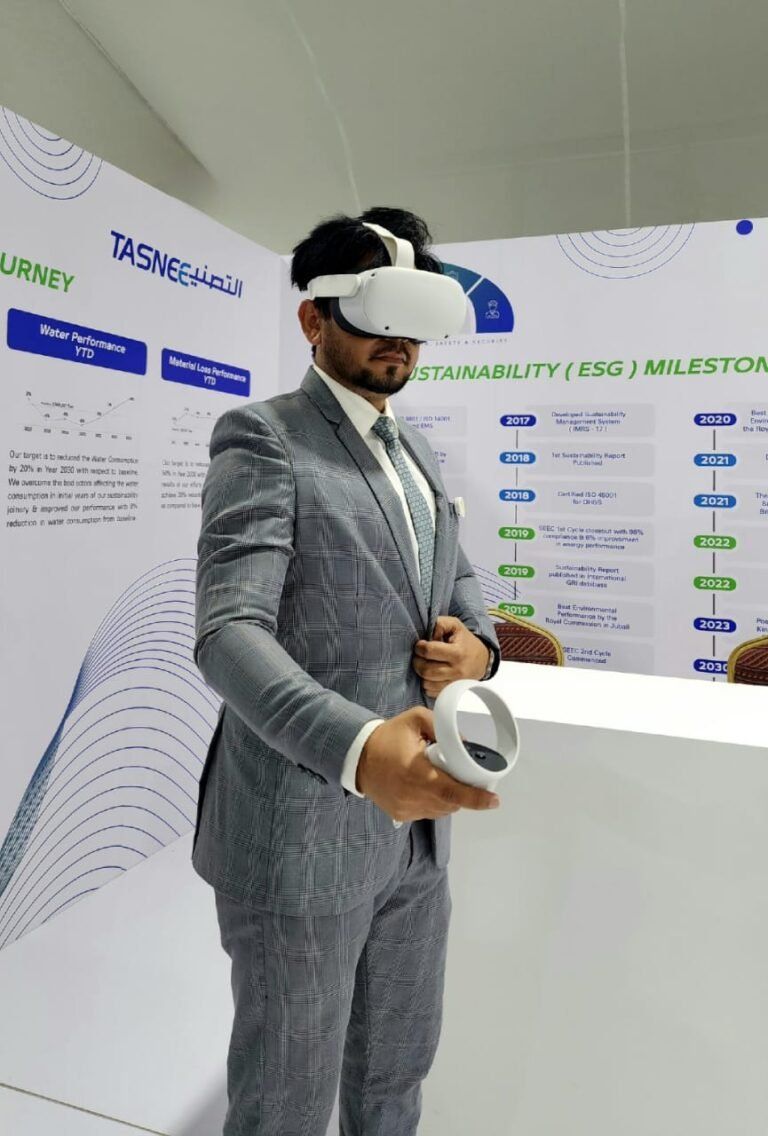
VR built for a purpose. Our Tasnee app trained working at height on Meta Quest and scored each decision. Read the case study

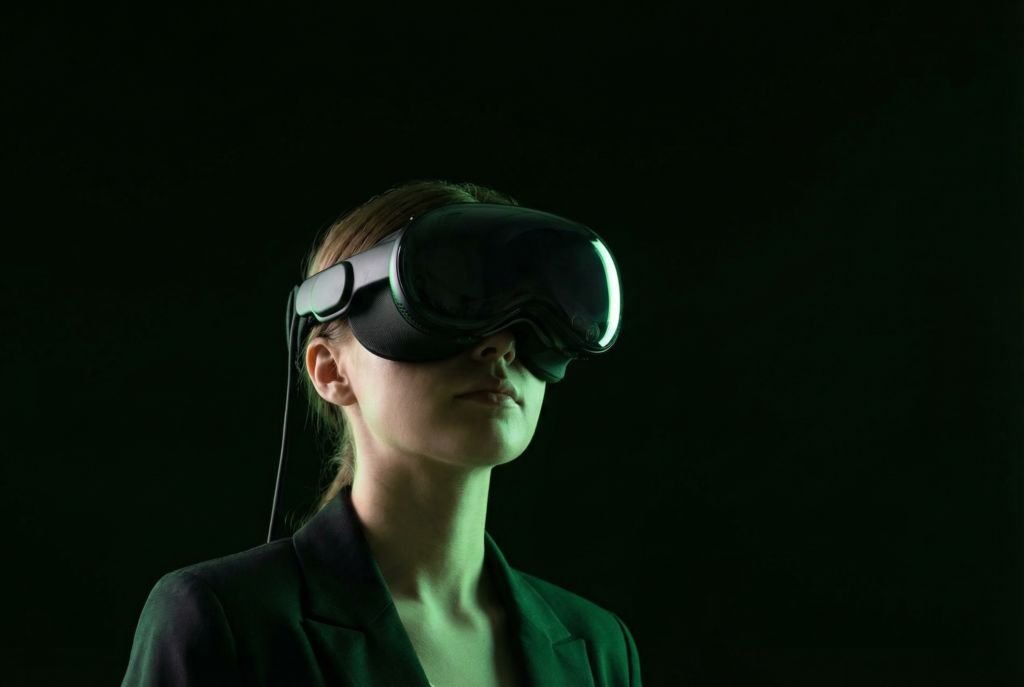
A visitor wearing a virtual reality headset

The visitor's side

What a visitor actually does

A good XR experience is short, guided and has a clear reason to exist. We design the minute before the headset and the minute after it as carefully as the minute inside.

  1. Before A host explains in one sentence What they will see, how long it takes and what to do. A headset fitted in seconds.
  2. Inside They do something, not just watch Walk a site, inspect a harness, step inside a reservoir, or place a product in the room on their phone.
  3. After A result, not just a memory A score, a certificate or a photo. For you, data on what they did and how well.

How it works

One core behind every headset and phone

Pick a module to see what goes in, what it runs on and what comes out. Headsets run standalone, so there are no cables across the stand and no dependence on venue internet.

The FAIM Core is our way of drawing the software layer: content, AI, game logic and data in one place. It is a concept, not quantum computing hardware.

VR headset

For Tasnee we built a working-at-height simulation in Unity on Meta Quest: equipment checks, harness inspections and safe movement at elevation.

Inputs · Head and hand tracking

Hardware · Standalone Meta Quest headsets

Software · Unity VR application, fully 3D-modelled environment

Interaction · Look, reach, decide

Outputs · Decision accuracy and reaction time per person

ELYSIUM product Tasnee VR case study · VR training that scores decisions

AR on the visitor's phone

Markerless AR puts your product or your story into the room through the visitor's own phone, with nothing to install.

Inputs · The phone camera and a QR code

Hardware · The visitor's own phone

Software · Web AR scene

Interaction · Scan, point, walk around it

Outputs · Scans and time in the scene

AETHER product Live demo

Shared immersive screen

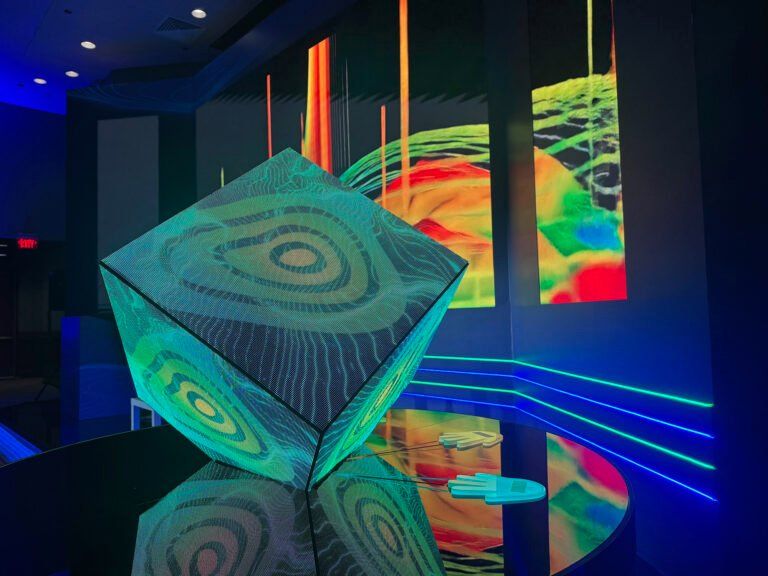
Not everyone wants a headset. A large screen or LED surface shares the journey with the people waiting, which is often half the audience.

Inputs · A mirror of the headset view, or its own content

Hardware · LED wall or large display

Software · Live view and content playback

Interaction · Watch, then join the queue

Outputs · Queue length and people served

ODYSSEY LED tunnel Why mixed reality suits corporate events

Tracking and play space

The play space is planned so a visitor never walks into a wall or a stranger, and a host can see everything.

Inputs · Headset position and guardian boundary

Hardware · Marked play area, host station

Software · Device management

Interaction · A host guides each session

Outputs · Session count and length

Live demo

Scoring and analytics

In training, the score is the point. Every decision is recorded so you can show who improved and where people struggled.

Inputs · Every decision in the scenario

Hardware · A laptop on the local network

Software · Scoring and reporting

Interaction · Your team reviews results

Outputs · Scores per person and per scenario, exported

Tasnee VR case study

Operator console

One person can run several headsets: start a session, change the language and reset between visitors.

Inputs · Host commands

Hardware · Tablet or touch kiosk

Software · Device and session control

Interaction · Start, pause, reset, switch language

Outputs · Uptime and sessions per headset

PORTAL product

Technologies and options

Choose the reality that fits

Every build starts from systems we have already engineered, then is tailored to your brief. Start with the pieces that fit your space and budget.

Virtual reality

  • ELYSIUM Custom VR journeys and safety scenarios
  • MAELSTROM Full-motion VR simulator

Augmented reality

  • AETHER Markerless AR on visitors' phones
  • PORTAL AR and VR experiences

Shared spaces

  • ODYSSEY Seamless LED tunnel
  • SANCTUM Wrapped 360° projection room

Training and heritage

  • AEGIS Walk-through safety experience
  • SOVEREIGN Virtual museum on headset, screen or web

See all 76 in the product catalogue, or try 16 of them in the Interactive Lab.

Start small, add modules later

  • One proven system One VR or AR experience from our catalogue, with your content and branding. 5 to 10 working days
  • A connected setup A scenario built for your site or product, with scoring and a shared screen. About 4 to 6 weeks
  • Flagship environment A multi-station immersive zone or a full training programme with reporting. 6 weeks and more

Each module is its own line in the quote, so you can add or drop one without the rest changing. Modules can be reused at your next event with new content.

XR we have built and run

FAIM event technology at the Aramco TeraPOWERS event

VR Safety Training

FAIM built a VR safety simulation for Tasnee on Meta Quest, teaching working-at-height procedures through an immersive industrial training experience.

200+ participants through a scored simulation

  • Meta Quest VR
  • Scored training

Aramco TeraPOWERS

How FAIM put an audience inside an Aramco reservoir at the TeraPOWERS event in Saudi Arabia, with immersive VR journeys and inauguration content.

  • VR journeys
  • Inauguration content

At the Aramco TeraPOWERS event, VR journeys let visitors step inside the reservoir. Read the case study.

Why FAIM

Practical reasons, not promises

  1. 01 One team, start to finish The same people design the experience, build the software and content, specify the hardware and stay on site while it runs.
  2. 02 Built on proven systems We start from systems we have already engineered, so your budget goes on your content and your audience, not on reinventing the basics.
  3. 03 A quote you can adjust Line-item pricing per module. No bundled numbers.
  4. 04 Works when the Wi-Fi does not Everything runs on its own local network, with content on the devices.
  5. 05 Arabic and English as standard On every screen, every AI host and every film.

Questions

Questions clients ask

Which headsets do you use?

Standalone Meta Quest headsets. Our Tasnee training ran as a wireless deployment for fast installation at the event, with no PC on the stand.

Will people feel sick?

We design for comfort: guided or teleport movement, stable horizons and short sessions. First-timers are briefed by our operator and can stop at any point.

Can AR work without an app?

Yes. Our web AR runs from a QR code in the phone browser on current iPhones and Android phones.

Can you use our CAD files?

Yes. We optimise CAD, BIM and GIS models into real-time meshes. Confidential models stay on FAIM hardware and are removed after delivery if you ask.

Do you deliver in Arabic?

Yes. Bilingual Arabic and English delivery is standard across our interactive applications.

Mu Designs × FAIM

Talk to Mu Designs about this

Mu Designs works with FAIM on events, exhibitions and launches across Bahrain and Saudi Arabia. Tell us your date and venue, and we will bring the right technology together with the branding, print and build.